What a Shopify chatbot really costs is not the number on the pricing page, but how you pay for it and everything around it. Before installing, check three things. The pricing model, how the bill changes as usage grows, and the work needed to get started.
By chatbot we also mean AI assistants that advise shoppers while they choose, not only tools that answer shipping and returns questions. The pricing questions are the same.
What pricing models does a Shopify chatbot use?
There are several. A flat monthly fee, per-seat pricing, pricing per conversation or per resolution, pay-as-you-go credits with no subscription, and mixes of these.
According to Alhena, which sells AI assistants for ecommerce, the most widely used pricing models are subscription, per seat, per resolution and hybrid. That is a vendor’s view, mostly about customer service, so read it as a map of the market. Per-conversation pricing and credits with no monthly fee are not on its list. We added them because store owners ask about them.
| Model | How you pay | What happens as usage grows | What to ask |
|---|---|---|---|
| Flat monthly fee | A set amount every month, whether the assistant is used or not | The bill stays the same as long as you stay within the plan’s limits | What the plan’s limits are and what the next tier costs |
| Per seat | An amount for each team member who uses the tool | It grows with your team, not with your shoppers | Who counts as a seat and whether the storefront assistant is included |
| Per conversation | An amount for each conversation | It grows with every shopper who starts a chat | What counts as a conversation and whether there is a monthly cap |
| Per resolution | An amount only for each question the assistant resolves | It grows with every resolved question, so the better the assistant, the more you pay | What counts as resolved and who decides |
| Credits, no subscription | One-time packs, used up as you go | Credits get used up faster | What uses up a credit and what happens when they run out |
Why can the bill go up exactly when the assistant works?
Because with per-conversation pricing you pay for every exchange, including the ones that don’t lead to a sale. And with per-resolution pricing you pay only for the questions the assistant resolves, so the better it gets, the bigger the bill.
Alhena, which sells AI assistants for ecommerce, points this out itself. With per-resolution pricing, an assistant that improves and resolves more questions ends up costing more. In its words, “The model punishes improvement.”
An example helps with the proportions. Zalando told the eShow conference in Madrid, as reported by FashionUnited, that its assistant received more than 22 million visits so far in 2026. About 4% of conversations end with a product in the cart. These are company figures, Zalando is a marketplace, not a brand’s store, and 4% means cart, not purchase. Zalando doesn’t say how it pays for its assistant. The figure only shows how many conversations never reach the cart.
The point holds for a smaller store too. Pay per conversation and you also pay for every chat where the shopper asks, browses and leaves. That’s simply how people shop.
What costs don’t show up on the price list?
The setup and running costs that pricing pages often leave out. Time spent preparing your catalog, changes to your theme, a subscription that starts before you’ve seen the assistant at work, and billing that sits outside Shopify.
They vary from app to app, so turn them into questions for the vendor.
- Does the catalog need work first? Ask whether the app needs rewritten descriptions, added attributes or uploaded guides. That’s hours of your team’s time. We covered this in our article on what Shopify says about the AI personal shopper.
- Do you have to touch the theme or the code? Ask whether the theme needs changes, and whether that takes a developer.
- When does the subscription start? If the fee runs from day one, you pay for the weeks you’re still testing.
- Where does the invoice come from? Billing outside Shopify means one more vendor to manage.
How does Camille’s pricing work?
Camille comes with 300 free credits when you install her, then one-time credit packs with no monthly fee. You only pay for what you use, and billing goes through Shopify.
There are three packs. 500 credits for $19, about 70 outfit try-ons. 1,500 credits for $49, about 170 try-ons. 3,500 credits for $99, about 500 try-ons.
On the hidden costs above, Camille works with your catalog as it is, with no rewriting or new attributes. You install her from the Shopify App Store with no code and no theme changes. After installation she stays in private preview, and the store chooses who sees her, from admins only, customers with a tag, customers with an account, or everyone. You test her first, then decide who sees her.
What should you ask a vendor before you install?
Five questions for any app. Clear answers to all of them tell you how much you’ll spend and when.
- Is there a monthly fee, and when does it start?
- What exactly am I paying for, the conversation, the message or the try-on?
- What happens when the credits or the plan’s threshold run out?
- Can I test it without my customers seeing it?
- Do I have to touch my catalog or my theme?
Ask in writing and keep the answers for comparing apps. If you’re also weighing outside assistants, our article on an AI sales assistant in your store or ChatGPT covers what the data says.
Where do you start with a trial?
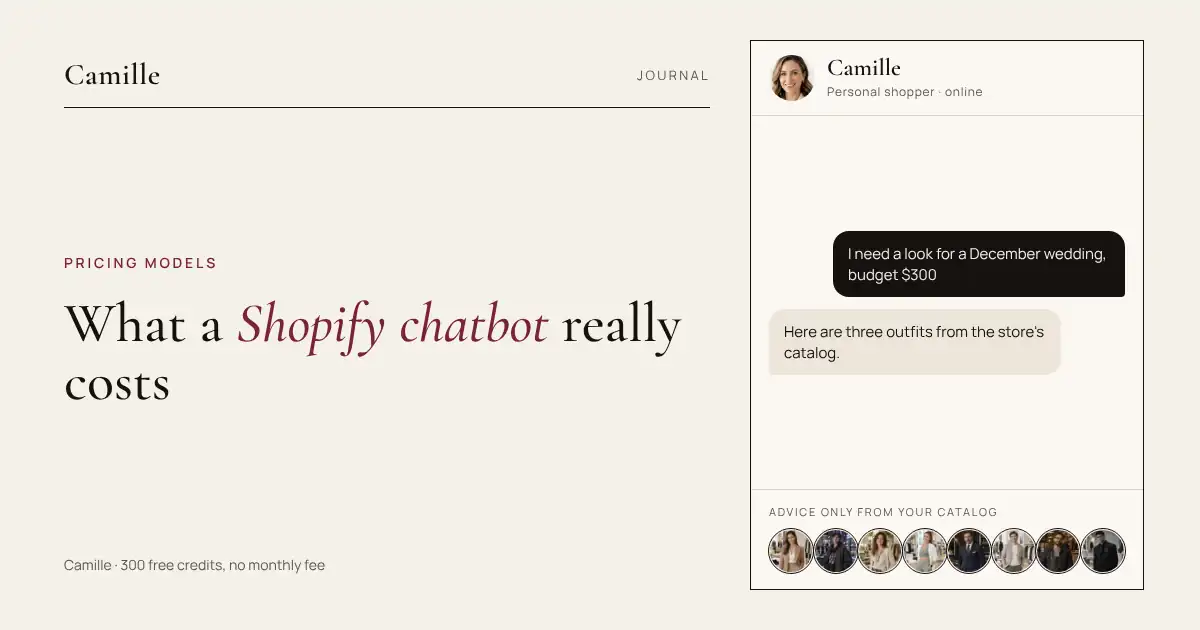
With a private trial, using your shoppers’ real questions. Take the requests that came in through chat or WhatsApp last month, for example a look for a December wedding with a $300 budget, and put them to the assistant before anyone else sees it.
You’ll see how useful the advice is on your catalog and how much each trial uses up. With Camille you use the 300 free credits, in private preview.
Install Camille free on Shopify or try her on our demo store.
FAQ
How much does a Shopify chatbot cost?
It depends on the pricing model more than on the listed price. Each model changes the bill differently as usage grows. The table above sums it up.
Does Camille have a monthly fee?
No. You get 300 free credits when you install her, then one-time packs for $19, $49 or $99. You only pay for what you use, through Shopify.
Do I need to fix my catalog before using Camille?
No. Camille analyzes your Shopify catalog as it is.
Do shoppers see Camille right after installation?
No. She stays in private preview until the store chooses who sees her.
Paolo is CEO of Instamark S.r.l. and founder of Camille, the app that brings an AI personal shopper to fashion ecommerce stores. He writes about technology, conversion and tools that help stores sell more online.